Best Office Management Software

For office effectiveness, the way information is handled, shared, and secured should be considered. For instance, from employees and bills to reports and clients, the office produces a lot of information on a daily basis. However, if the information is scattered throughout different emails, folders, and/or file cabinets, it becomes very difficult to track, and this has forced various organizations to invest in the best office management software for the smooth running of their day-to-day activities.
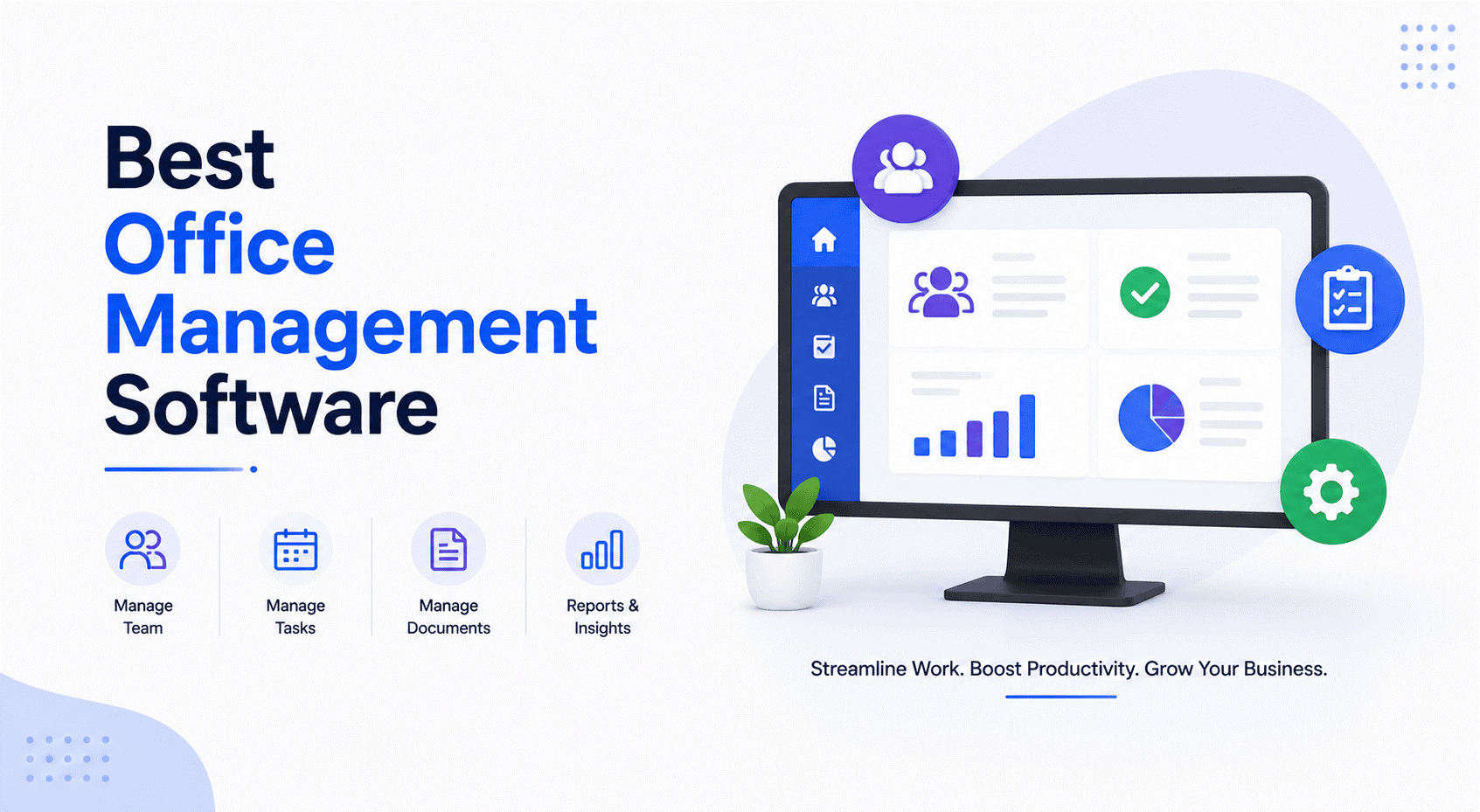
Best Office Management Software

Best Office Management Software

Currently, modern office management is inseparable from document management. Office management software is not just about scheduling and tracking, but comes equipped with powerful document management features to assist companies in managing and retrieving information from a single platform.

Why Document Management is Essential for Office Operations

In document-based office management, documents are stored in one location and can be accessed quickly and easily. Automation of the process makes it faster and reduces the workload; on the other hand, document versions are controlled so that team members will always be dealing with the latest version of the document. Also, secure access provides easy collaboration. All things considered, document-based office management saves time, decreases errors, and increases productivity.


Efficiency

How Document-Based Office Management Improves Efficiency

The best office management software will also allow for the centralization of all office documents. This means that having access to them and managing them will become easy.

Business Benefit

This would also improve office work, allowing for faster work due to automated workflows. Version control will also help enhance office work. In addition, safe access is also about collaboration.

Key Highlights

  • Centralization of all office documents
  • Easy access and management
  • Faster work through automated workflows
  • Version control across teams
  • Safe, collaborative access

Key Highlights

  • Single point of access for digital documents
  • Quick retrieval through indexing
  • Automated, shortened approval processes
  • Role-based permissions
  • Version tracking with audit history
Key Capabilities

Key Capabilities That Support Office Productivity

A single point of access for digital documents, quick retrieval through indexing, shortened approval processes, and role-based permissions simplify office operations.

Business Benefit

The combination of these features makes the best office management software an effective tool for organizing the various office processes and enhancing collaboration.

Choosing a Solution

Selecting the Best Management Solution for Your Business

Selecting the right office management software means selecting a system that integrates operational control with document management features. Successful businesses require secure solutions that are scalable and can be easily administered by staff members.

Business Benefit

PDMPL provides document-driven office management solutions to help organizations convert paper records into digital files, automate workflow processes, and maintain a well-organized information system to support long-term operational efficiency.

Key Highlights

  • Integrated operational and document control
  • Secure, scalable solutions
  • Easily administered by staff
  • Support converting paper to digital files
Office Document Management

Why Document Management is Essential for Office Operations

In document-based office management, documents are stored in one location and can be accessed quickly and easily. Automation of the process makes it faster and reduces the workload; on the other hand, document versions are controlled so that team members will always be dealing with the latest version of the document. Also, secure access provides easy collaboration. All things considered, document-based office management saves time, decreases errors, and increases productivity.

Why Choose PDMPL for Best Office Management Software?

Custom-Built Solutions

Tailored to match your organization's processes, document types and operating structure.

Data Security

Strong encryption, access control and backup systems keep sensitive business data private.

Elastic Cloud Infrastructure

Add capacity and advanced features as you grow, with no disruption to existing systems.

Easier to Use

A clean, intuitive interface keeps the learning curve short and daily operations smooth.

Easy to Integrate

Connects with the systems you already run — ERP, CRM and HR platforms.

Assistance & Expertise

Expert technical support, training and guidance across design, rollout and ongoing operations.

Proven Track Record

An experienced provider trusted to streamline processes, strengthen compliance and manage documents.

End-to-End Support

From cloud setup to migration, adoption and long-term maintenance — PDMPL stays with you.

Office Productivity

Boost Office Productivity with PDMPL

PDMPL provides document-driven office management solutions to convert paper records into digital files and automate your workflow processes.

Frequently Asked Questions

What is the meaning of "office management software"?

+
The term office management software refers to an electronic management tool that provides companies with a way to manage their day-to-day activities and manage their documents, automate routine activities and increase work-flow effectiveness.

What is document management, and why does it play a key role in office management software?

+
Documents are the primary focus of most office operations, so by managing all of the documents digitally, you can ensure that they're accessible, secure and efficient in terms of the work that goes on within the office.

How does office management software help increase productivity?

+
It eliminates time spent on manual activities, speeds up retrieval of documents, automates approval processes and enables teams to work collaboratively.

Can office management software help decrease the amount of paperwork in the office?

+
Absolutely. By digitizing documents and storing them electronically, you will significantly reduce the amount of paper that needs to be stored physically, as well as reduce the amount of time that is involved in preparing documents.

Is office management software secure enough to store sensitive or personal files?

+
Yes. Office management software uses access control, encryption and tracking capabilities to safeguard confidential information.