Many companies process thousands of documents daily from customer and employee files, to purchase orders, contracts, and invoices, to financial reports. As a business expands, the need to locate these documents can become more and more frustrating. Non-existent or shoddy document organization will cost your employees valuable time, delay decision making and make it difficult to keep accurate business records.
Document indexing gives a practical way to organize large volumes of business documents, making them easier to search, retrieve, and manage. By using structured indexing methods, digital document management systems, and professional data entry services, businesses can boost information accessibility and operational efficiency.
What Is Document Indexing?
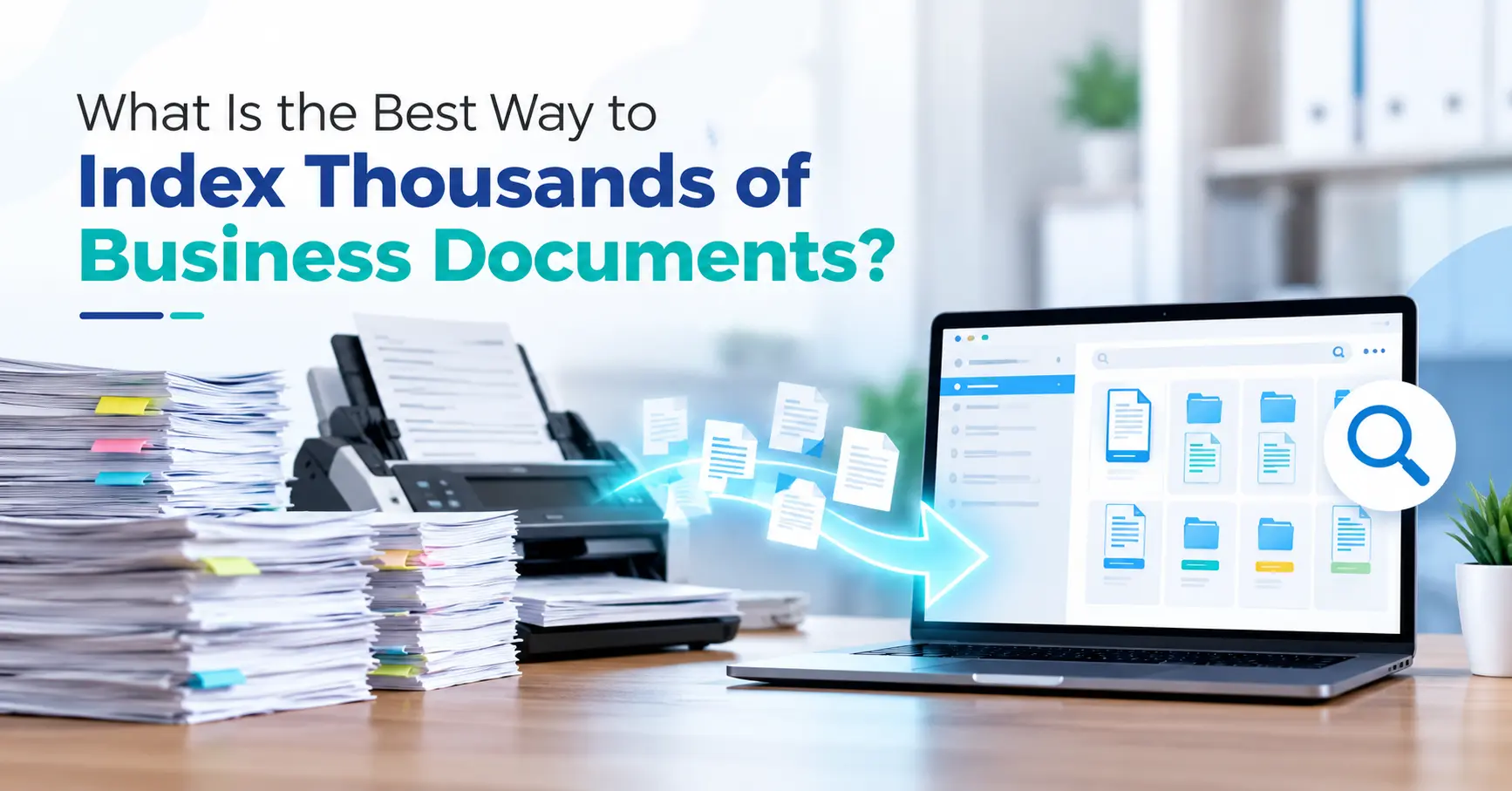
Document indexing is when searchable information, such as title date reference number, type, and keywords, is attached to the document. This enables users to locate a document without going through the file.
How to structure your folders say, an organization for whom everyone works with thousands of invoices can afford to index those invoices using invoice numbers, supplier names, transaction dates and payment statuses. When an employee is looking for a specific invoice, they can simply search for it using those details rather than opening files.
Common applications of document indexing include financial services, healthcare banking insurance education, legal services, and document management services.
What Is the Best Way to Index Thousands of Business Documents?
1. Categorize Documents Before Indexing
The initial step is to group documents into logical categories. Businesses need to determine the various types of records they keep and create a consistent classification system.
Common document categories include:
-
Financial records, invoices, and receipts
-
Employee and payroll documents
-
Customer and supplier records
-
Contracts and legal agreements
-
Purchase orders and delivery records
-
Project reports and operational documents
Categorization makes indexing more consistent and reduces confusion when employees search for information. Businesses should also establish clear rules for handling documents that belong to multiple categories.
2. Create Standardized Indexing Fields
Metadata types once you have identified the document types, set out the metadata fields that you will require. Metadata is data about a document, which helps to identify it.
For instance, an invoice may need an invoice number, name of the supplier, invoice date, amount, and whether the invoice has been paid or not. An employee may need an employee ID department document type, and date of record.
Standardized fields enable multiple documents to be created consistently. They also enable duplicate records, incomplete records and differing names for same items to be avoided.
3. Digitize Paper Documents
Scan in paper documents if data is kept on hard copy.
Document scanning using a document scanner, businesses may convert paper documents into digital formats, including PDFs or image files. Optical character recognition (OCR) can extract the text from scanned documents that support this feature.
But, OCR results may have errors in them, mainly when working with damaged, handwritten, or badly scanned documents. Should information be valid for indexing, make sure it is accurate before entering into the system.
4. Use a Centralized Document Management System
A document management system (DMS) is a system that helps your business to keep digital documents in a central location, where they can be stored organized indexed and searched.
Some software may also provide for the ability to perform full-text searching, filtering based on metadata, document versioning, access controls, audit trail, and automated workflows.
Rather than managing various folders on various computers, workers will be able to search through a central repository based on document or keywords. This might improve collaboration and simplify searching for records.
When to use a system, the decision between these systems will depend on the volume of documents, security needs, current, and future systems and needs.
5. Automate Repetitive Indexing Tasks
Manually inserting indexing data on each of thousands of documents could be a slow and time-consuming process. The need to reduce duplicated work and increase efficiency can be achieved through automation. Using the available tools, organizations can leverage OCR, document classification, automated metadata extraction, and predefined indexing rules to manage a large volume of documents efficiently.
For instance, an invoice-processing workflow could extract the supplier name and invoice number automatically and then pass the data to a reviewer. Automation can be complemented with intelligent validation. It’s still beneficial to have human intervention in cases where a document contains sensitive information or if incorrect indexes could impact the business.
6. Maintain Data Accuracy and Quality
Accurate indexing is crucial for retrieving documents reliably. If there are incorrect dates, misspelt names, duplicate reference numbers, or missing metadata, it can make records hard to find.
Businesses should implement quality-control measures such as field validation, duplicate checks, sample reviews, and exception handling. There should be a consistent naming convention across the organization. These should regularly be audited for any incorrect indexing to ensure that the document repository is reliable.
7. Protect Documents With Access Controls
Business documents can also contain secret financial, employee, customer, or legal information. Appropriate security measures should be used in the indexing systems.
Enforce role based access rights, secure storage, encryption (when relevant), backup and logging. Ensure policy on retention and deletion of data is aligned with relevant legal and regulatory requirements. Access controls allow your employees to retrieve the information they need, but protect sensitive files from others.
What Are the Benefits of Professional Data Entry and Indexing Services?
Fielding large document collection in-house can add to the pressure on employees, mostly where documents need significant manual data entry or validation. Business and organizational data entry and indexing services can enable companies to sort through records, standardize, and maintain metadata, cut down on manual labour, and make documents easier to access.
These services could benefit organizations with historical archives, customer records, financial records, scanned documents, as well as digitization at large.
Before choosing any service provider, the company should inquire about data accuracy protocols, confidentiality procedures, processing capacity, turnaround time and integration with the business document management system.
Frequently Asked Questions
1. What is the fastest way to index thousands of documents?
Batch scanning OCR automated metadata extraction, and quality controls on top of an indexed structure can speed the indexing of large documents, although the method would depend on the type and complexity of the documents.
2. Which software is best for business document indexing?
What is the best software? The right document management software will depend on your business needs, the number of documents, security, and integrations. Businesses can evaluate document management systems on search capabilities metadata user rights and automation.
3. How does document indexing improve business efficiency?
Document indexing enables employees to locate relevant records using searchable fields and keywords, reducing the need for manual searching, improving information accessibility, and supporting faster business decisions.
4. Can scanned documents be indexed and searched?
Yes. Metadata indexing is always supported and, if the file type supports OCR, scanned documents can also be fully indexed. OCR technology turns text in a scanned file into machine-readiable text which could require a little QA.
5. Why should businesses outsource data entry and indexing services?
Outsourcing can be a way of handling high volumes of records, relieving staff workload and utilizing support to processing. It is subject to the overall quality, security, and range of the service offered by the outsource provider.
6. How can businesses ensure accurate document indexing?
Standardized fields of metadata, validation rules, duplicate detection, sample audits and regular quality checks would be used. Teams would also be provided with clear indexing guidelines.
Conclusion
Digitization and indexing of thousands of business documents needs to be planned properly and carefully using a combination of rules for categorization, standardized metadata, digital storage, automation, and quality assurance. Proper indexing enables organizations to access information more quickly, improve record accuracy, and better cope with increasing volumes of documents.
Businesses need to keep their indexing procedures up-to-date and select appropriate technologies based on the needs of the operation and the level of security required. For large companies managing large amounts of records, employing a dedicated data service can simplify and extend the document organization.
Through proper data entry and indexing of documents organizations will benefit from more accessible documents, less duplicated efforts in administrative tasks and an increasingly comprehensive system of digital information management.