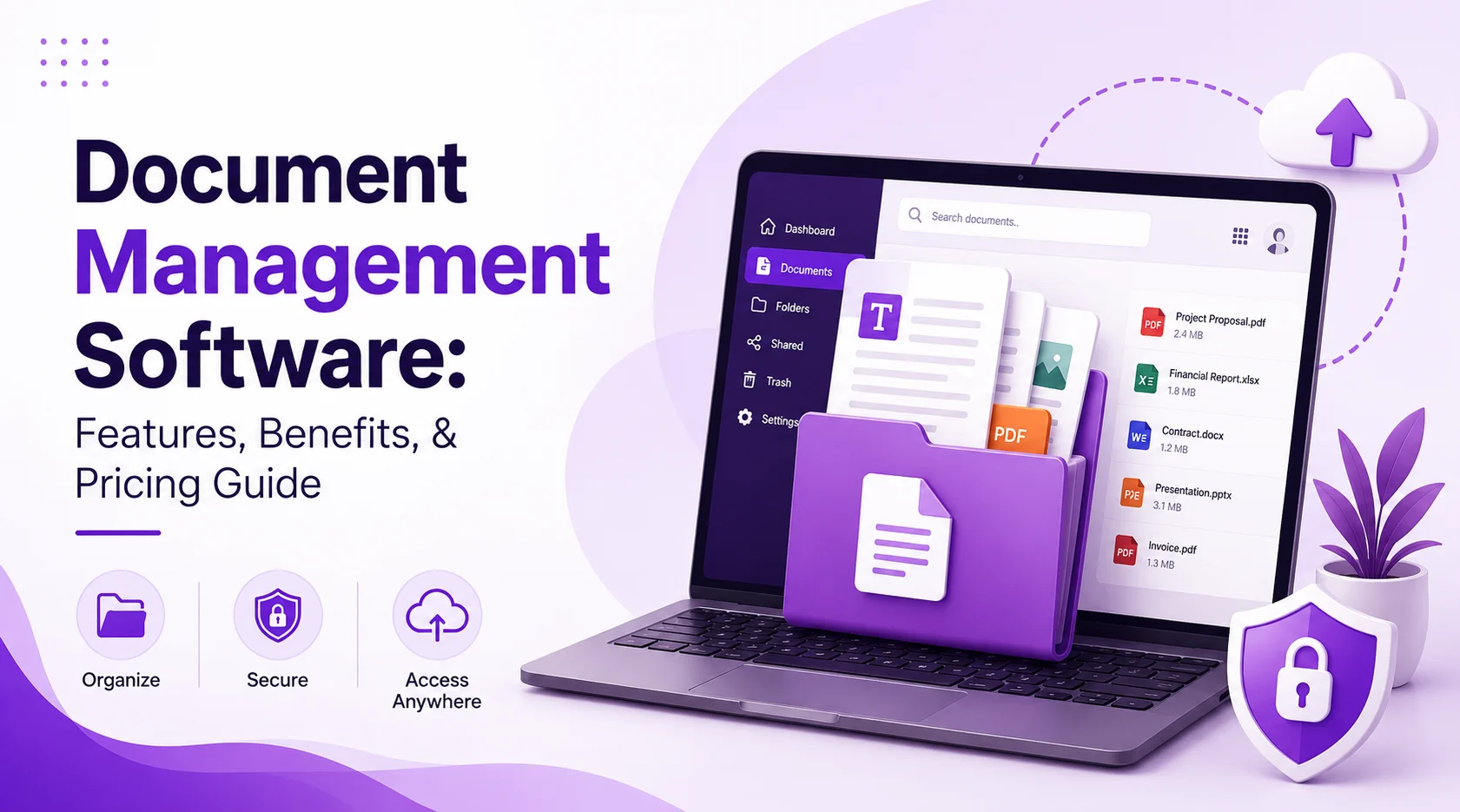
Document management plays a big role in digital businesses. Companies need to handle large numbers of documents efficiently these days, like invoices contracts employee records, customer documents reports etc. Document management software enables businesses to store manage search find organize, and manage documents digitally through a single central platform.
Deciding the best document management solution is the way to go for businesses that want to save on their paper use and document cost, document security, and work productivity.
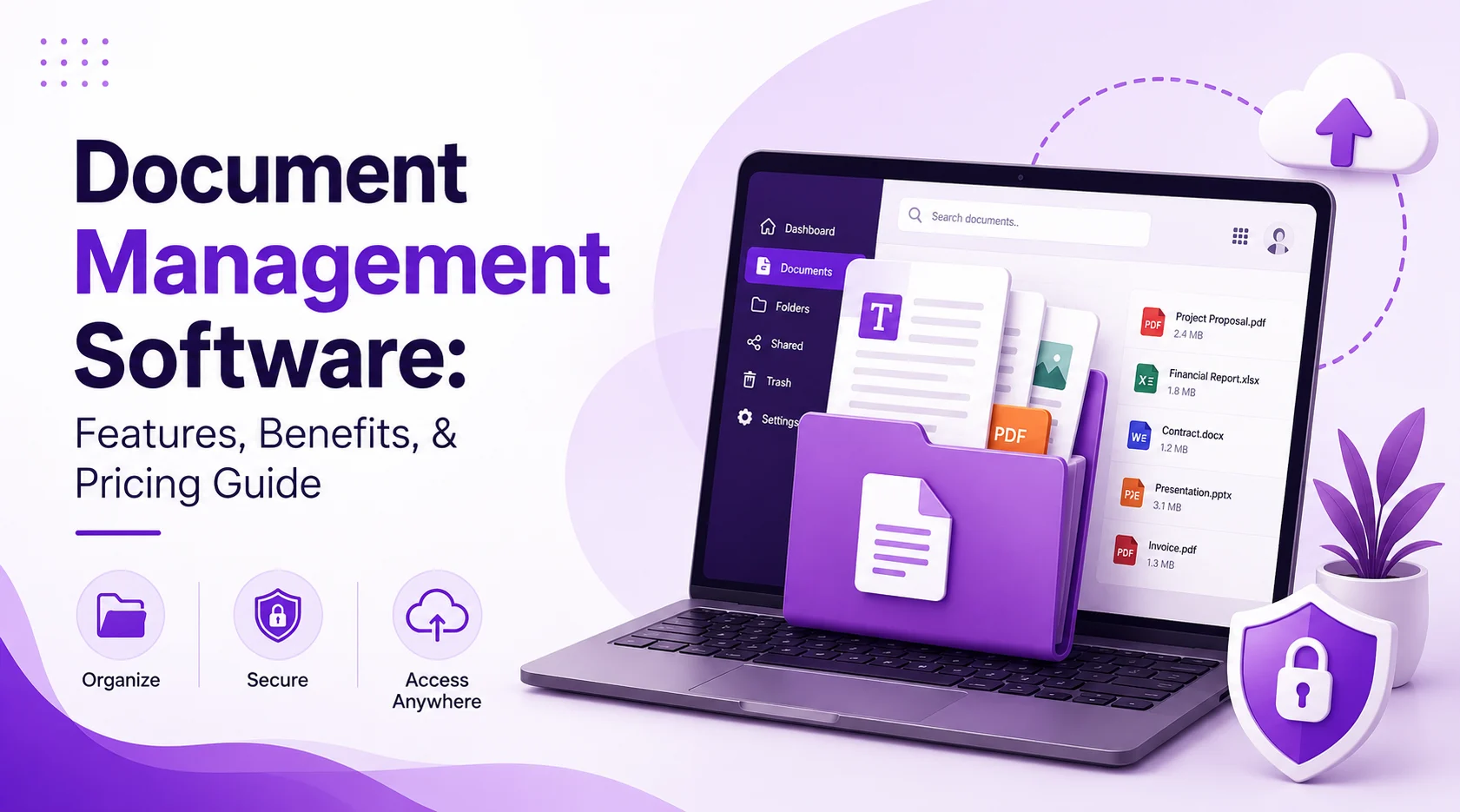
What’s Document Management Software?
Document Management Software is a digital service that businesses have for managing their documents over various phases from creation to disposal. Using it, companies can convert upload label, categorize save retrieve, collaborate and modify electronically documents with speed and efficiency.
Making use of a unified digital system is quite contrary to the paper-based and file-and-folder-based conventional approach, with one that enables employees to have quick and easy access to the documents they need just by going through the digital system central hub.
Key Features of Document Management Software
A company should decide on the right system only after understanding its features and how the system will fit their needs about document management.
1. Centralized Document Storage
On top of being a single access point for all documents, the management system also makes it easier to organize and manage files.
2. Fast Search and Retrieval
With the system’s search capability being quite advanced, users can easily search and locate documents through the use of keywords, file names categories metadata, or any other useful information that they can think of.
3. Access Control and Security
Using the software, enterprises can decide who gets to view edit download, or share specific documents. This feature is most of all useful for safeguarding sensitive information.
4. Document Version Control
With the versioning feature, staff can stay up to date and refer to past versions of documents whenever there is a need to do so.
5. Document Scanning and Digitization
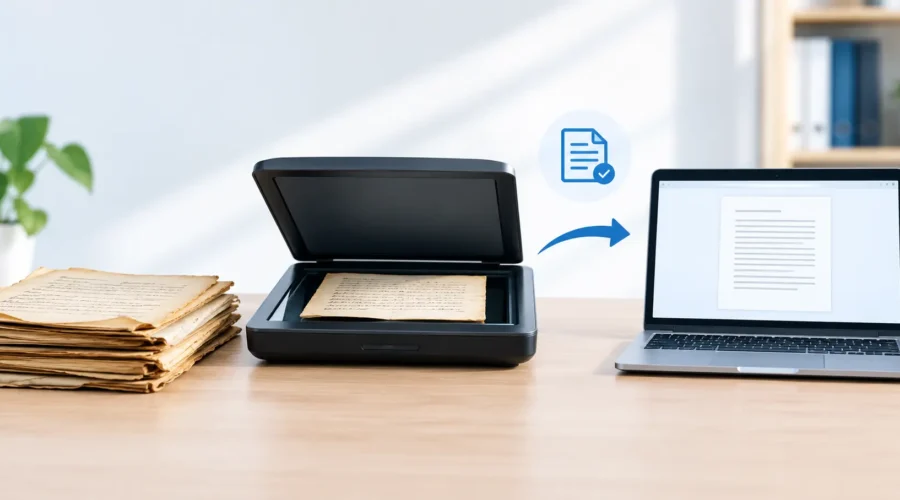
Businesses can change paper documents to digital formats, so they don’t have to depend on paper-based documentation anymore.
6. Workflow Management
Businesses can use built-in workflows to speed up procedures like document approvals, reviews, and sharing.
7. Backup and Recovery
Backup and recovery features offered by document management software allow businesses to protect themselves against the accidental loss of critical information.
Benefits of Document Management Software
Adoption of Document Management System in companies might cause numerous business advantages.
-
Improved productivity: with the ability to locate required document quickly, employees will not have to spend time hunting files manually!
-
Reduced paperwork: organizations will be able to cut back on their reliance on paper documents much through the use of digitization.
-
Better security: by setting limits of who has the right to access documents, sensitive company data will be kept safely.
-
Lower storage costs: Saving a lot of money is possible through digital storing as it eliminates the need to have filing cabinets and large spaces for storing papers.
-
Improved collaboration: through authorized document sharing the entire team can work efficiently whenever they need a quick collaboration.
-
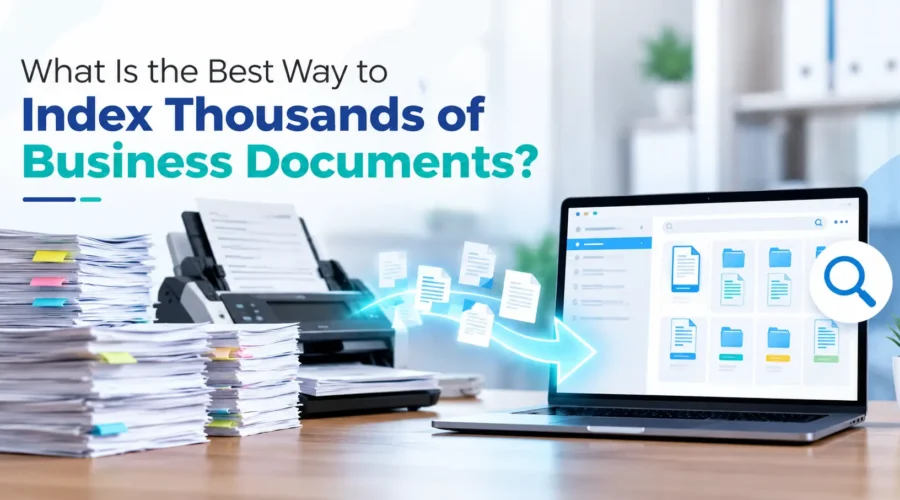
Better document organization: through proper indexing and classification it will be easier for an employee to get a hold of the document he needs from a many documents kept in the system.
-
Greater accessibility: given the nature of the system deployment and access control, employees permitted to do so will have access to paper work from various places.
What is the price for document managing software?
The cost of document management software differs and is influenced by the number of users involved, the volume of documents being managed, storage needs, how it’s deployed, what level of security it features, what other systems it integrates well with, whether it’s been customized, and if it’s including other services like scanning and digitizing the documents.
Given the provider, the cost could be a subscription fee, or they might have packages for the whole enterprise. Because of this, it is advised that businesses look beyond price at first glance and instead weigh features that come with and all-out implementation cost compared to others that could be a match.
How can I Choose the Best Document Management Software?
Before going for a solution, make sure to think about the volume of your documentation, the number of users, the security requirements, workflow needs, integration of other software tools requirements, scalability, and budget as factors. Another element you need to look at is the support, method of the process of implementation, data security, and options of customization the provider gives you.
Frequently Asked Questions
1. What is the best Document Management Software for a business?
The best Document Management Software varies based on the different aspects of your business e.g. the number of business units, volume of paper documents you use to carry on day-to-day operations, data safety, number of users who will be using the platform, and your budget. Before getting any software for use, it is wise to evaluate the features and then match them against what your business needs.
2. How much does Document Management Software cost?
Document Management Software costs vary greatly according to how many users are required, amount of storage, number of features, level of customization, mode of deployment, and the volume of documents. Companies are often better served if they ask for quotes specific to the solutions they require.
3. Is Document Management Software secure?
A well-designed document management system should be able to implement different security levels (for example, user access passwords etc.), authentication processes, user/permission setup, and other backup facilities that help keep your business documents safe and secure.
4. Can Document Management Software manage scanned documents?
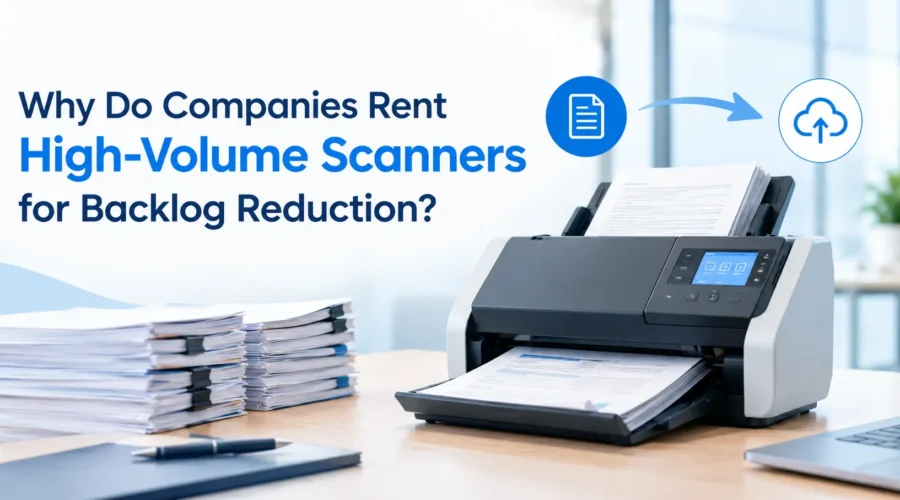
Absolutely. Beyond their main operations, many document management software programs offer document scanning and digitization capabilities, which allow conversion of physical records into digital searchable documents.
5. Is Document Management Software suitable for small businesses?
Yes, many functions that can benefit small and medium-sized business like organizing paper documents or digital files, cutting down physical paper usage, increasing availability of information, etc. can all be achieved through document management solutions.
Conclusion
Right Document Management Software helps companies make a smooth transfer from paper to digital documents by the help of an organized and efficient way. In the process of comparison of such parameters as features, data security scalability integration, ease of use, and costs, a company can pick a DMS software which not only meets its present needs but also has growth prospects.
A document management platform, if well planned and implemented, can greatly boost productivity, document availability, document security, and overall effectiveness of business operations.